Offline Short-Term Web Designing Course for Tricity Students

45 Days Web Designing Training in Mohali & Chandigarh

Build a practical web-design foundation through website setup, HTML5, CSS3, responsive layouts, Flexbox, media queries, Bootstrap, one-page website assignments and mentor-led debugging at Zestminds Academy’s Mohali campus.

This short-duration program is suitable for beginners, students, freshers and career switchers who want foundation-level confidence in building clean, responsive website sections before moving into deeper JavaScript, UI/UX or frontend development.

Location: Mohali Campus — Serving Chandigarh Tricity
Duration: 45 Days
Fee: Confirm current fee during counselling
Batches: 10 AM–1 PM / 2 PM–5 PM

Suitable for B.Tech, BCA, MCA and diploma students, final-year students, beginners, freshers, career switchers and learners exploring web designing, UI/UX and frontend basics.
Website Setup

Learn VS Code, browser setup, folder structure, file naming and clean project organization.

HTML Foundation

Build headings, links, images, lists, tables, forms and semantic page sections.

CSS & Responsive Layouts

Practice colors, spacing, box model, Flexbox, media queries and mobile-friendly sections.

Bootstrap & Mini Project

Build responsive sections, cards, forms, navbar and a one-page website assignment.

What You Will Learn in 45 Days

A foundation-level syllabus covering website setup, HTML, CSS, responsive design, Bootstrap and a guided one-page website assignment.

45-Day Foundation Track

Build Practical Beginner Web-Design Confidence

Learn how website structure, HTML, CSS, responsiveness, Bootstrap and debugging connect inside a small website project.

Confirm Current Fee 45 Days Offline
Download Full Syllabus

Module 1: Web Designing Basics & Setup

Understand what web designing is, website structure, VS Code, browser and folder setup, file naming and common beginner mistakes.

Module 2: HTML Foundation

Learn document structure, headings, paragraphs, images, links, lists, tables, forms, input fields and semantic HTML.

Module 3: CSS Foundation

Practice selectors, colors, fonts, spacing, borders, box model, display properties, backgrounds, buttons and reusable classes.

Module 4: Layout & Responsive Basics

Learn Flexbox basics, Grid concepts, responsive units, media queries and mobile-friendly section practice.

Module 5: Bootstrap Introduction

Practice Bootstrap setup, container, row and columns, navbar, buttons, cards, forms, utility classes and responsive sections.

Module 6: Mini Website Review

Plan and build a one-page website, check mobile responsiveness, improve the visual design and apply mentor corrections.

Who Should Join This 45-Day Web Design Course?

This course is designed for learners who want a practical introduction to website building without unrealistic professional-mastery claims.

College Students

B.Tech, BCA, MCA and diploma students looking for short-term web-design exposure or a practical college-skill program.

Complete Beginners

Learners who want to understand HTML, CSS, website sections, responsiveness and Bootstrap from the beginning.

Career Explorers

Freshers and career switchers exploring web designing, frontend basics, UI work or website-maintenance skills.

Learn the Basic Website-Building Process

Students learn why each step matters instead of only copying ready-made code.

Goal

Understand the website purpose.

Structure

Plan header, sections and footer.

Build HTML

Write clean semantic page structure.

Style CSS

Add layout, spacing and visual styling.

Test

Check mobile and browser behavior.

Improve

Fix layout and styling problems.

Website Assignments During the Course

Assignment details may vary by batch and student readiness, but the focus remains practical website-building confidence.

Personal Introduction Page

Create a simple web page with headings, text, images, links and basic styling.

Form & Table Assignment

Practice input fields, labels, tables and organized HTML content.

CSS Card & Button Task

Apply color, spacing, borders, hover states and reusable CSS classes.

Responsive Flexbox Section

Build a section that adjusts for mobile and desktop layouts.

Bootstrap Landing Section

Use containers, rows, columns, cards and spacing utilities.

Navbar & Footer Practice

Create common website areas with responsive navigation and clear footer structure.

One-Page Business Website

Combine the learned sections into a complete beginner website assignment.

Debugging Exercises

Identify broken layouts, CSS issues and responsive problems.

Design Improvement Task

Review an existing section and improve spacing, hierarchy and mobile presentation.

Build a Guided One-Page Website

Apply the course skills through one structured website assignment with planning, coding, responsive checks and mentor review.

Foundation Project

Website Plan + HTML/CSS Build + Responsive Review

Students receive guidance to plan a one-page website, create the header and sections, style the layout, add a basic form, test it on different screen sizes and apply mentor corrections.

Project depth depends on attendance, assignment progress, batch pace and student readiness.

Ask About the Mini Website

What Students Should Understand After 45 Days

Outcomes depend on attendance, assignment quality, practice and consistency.

Clean HTML Structure

Understand how to organize common website content and sections.

CSS Styling Confidence

Apply colors, typography, spacing, cards, buttons and reusable classes.

Responsive Awareness

Make simple sections adjust for mobile and desktop screens.

Debugging Basics

Identify common HTML, CSS and responsive-layout problems.

Mentor-Led Web Designing Classroom Training

Students practice code, layouts, responsive testing and debugging with direct mentor guidance.

Support During the Course

  • VS Code and project-folder setup
  • HTML structure and semantic-tag guidance
  • CSS styling and layout support
  • Flexbox and responsive-design practice
  • Bootstrap grid and component support
  • Debugging and assignment review
Ask About Classroom Training

Classroom Learning at Zestminds Academy

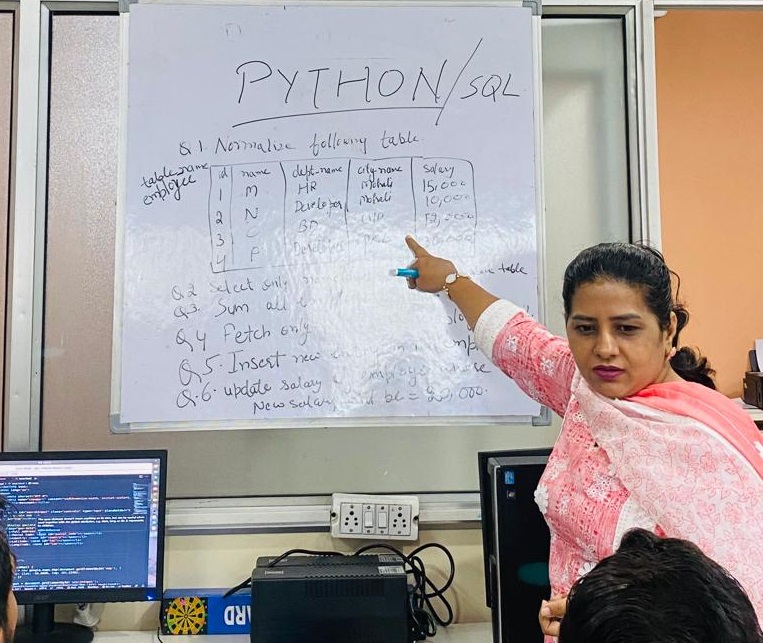
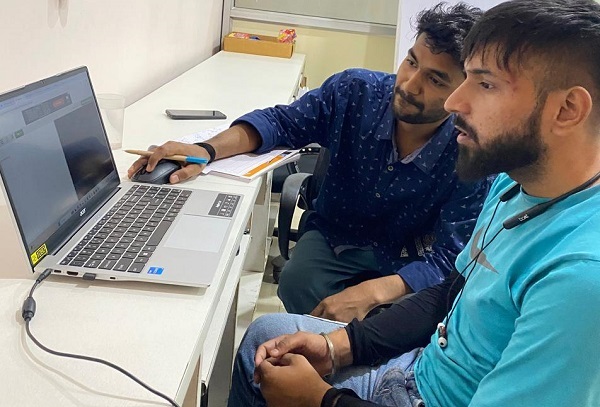
45 days web designing classroom training at Zestminds Academy Mohali
Offline web design course at Zestminds Academy Mohali

Fee, Batches and Mohali Campus Details

Review the essential course information before booking counselling.

45-Day Web Design Course Details

  • Duration: 45 Days
  • Fee: Confirm current fee during counselling
  • Mode: Offline classroom training
  • Morning Batch: 10:00 AM–1:00 PM
  • Afternoon Batch: 2:00 PM–5:00 PM
  • Seat Availability: Confirm during counselling
  • Required: Personal laptop for code practice and assignments
Check Batch Availability

Mohali Campus — Serving Chandigarh Tricity

Address:
E-45, Industrial Area, Phase 8, Mohali

Students from Chandigarh, Panchkula, Kharar, Zirakpur and nearby Tricity areas can attend the offline course at the Mohali campus.

Need deeper JavaScript, Figma, GitHub or portfolio-project work?

Compare All Web Design Programs

45 Days Web Designing Training FAQs

Quick answers for students and parents before joining the course.

What is the fee and duration?

The course duration is 45 days. The syllabus asks students to confirm the current fee and seat availability during counselling.

Is the course online or offline?

It is an offline classroom program conducted at Zestminds Academy’s Mohali campus.

Can complete beginners join?

Yes. The course begins with website setup, HTML and CSS before moving into responsive layouts, Bootstrap and the mini website assignment.

Do I need coding experience?

No. Prior coding experience is not required. The course begins with basic website structure, HTML tags and CSS styling.

What tools and topics are covered?

The course covers VS Code, HTML5, CSS3, Flexbox, responsive design, media queries, Bootstrap and browser testing.

Will students complete a website assignment?

Yes. Students work on a one-page business website with common sections, responsive checks, debugging and mentor review.

Will I become a professional web designer in 45 days?

No. The 45-day course builds practical foundations. Deeper JavaScript, UI/UX, GitHub and portfolio development require continued practice or a longer program.

Can Chandigarh and Panchkula students join?

Yes. Students from Chandigarh, Panchkula and nearby Tricity areas can attend classes at the Mohali campus.

Start Your 45-Day Web Designing Training

Build practical foundations in HTML, CSS, responsive layouts, Bootstrap and one-page website development.

Fee: Confirm during counselling   |   Mode: Offline   |   Location: Mohali Campus

Enroll Now

Fill the form and our training counsellor will contact you shortly.

Book Free IT Career Counselling

Fill the form and our training counsellor will contact you shortly to book your free counselling appointment.