Python from Core Syntax to Real Projects: How to Start Building Practical Applications
Many students learn Python syntax and still feel stuck when they try to build a project.
They understand variables, loops, conditions, lists, dictionaries, and functions. They may even solve small coding questions. But when someone says, “Build a student management system,” “Create an expense tracker,” or “Make a small API-based app,” they suddenly feel confused.
This does not mean they are bad at Python.
It usually means they have learned Python topics separately, but they have not yet learned how those topics work together inside a real task.
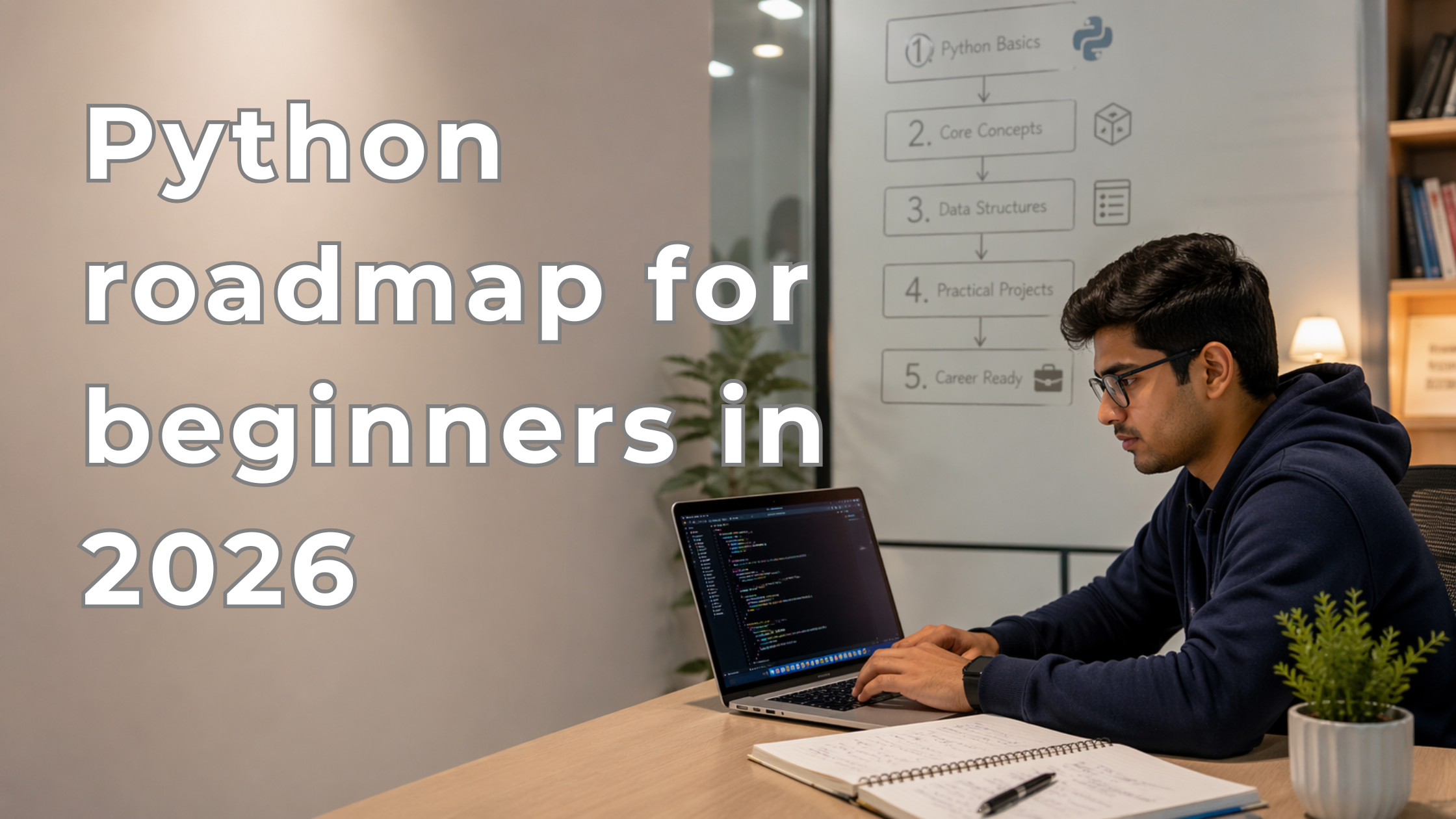
This guide explains how to move from Python basics to real projects in a practical way. If you are still planning your complete learning journey, this Python roadmap for beginners can help you understand the bigger path.

Why Learning Python Syntax Is Only the First Step
Python syntax teaches you how to write valid Python code.
For example:
for i in range(5):
    print(i)
This teaches you how a loop works.
But in a real project, a loop may be used to:
- process student records
- calculate monthly expenses
- clean rows from a CSV file
- read API response data
- check multiple user inputs
- generate a report
So the real question is not only:
“Do I know loops?”
The better question is:
“Can I use loops to solve a real problem?”
That is where project learning begins.
Syntax gives you the building blocks. Projects teach you how to connect those blocks into a working flow.
In simple words, syntax tells you how to write Python, but projects teach you how to think with Python.
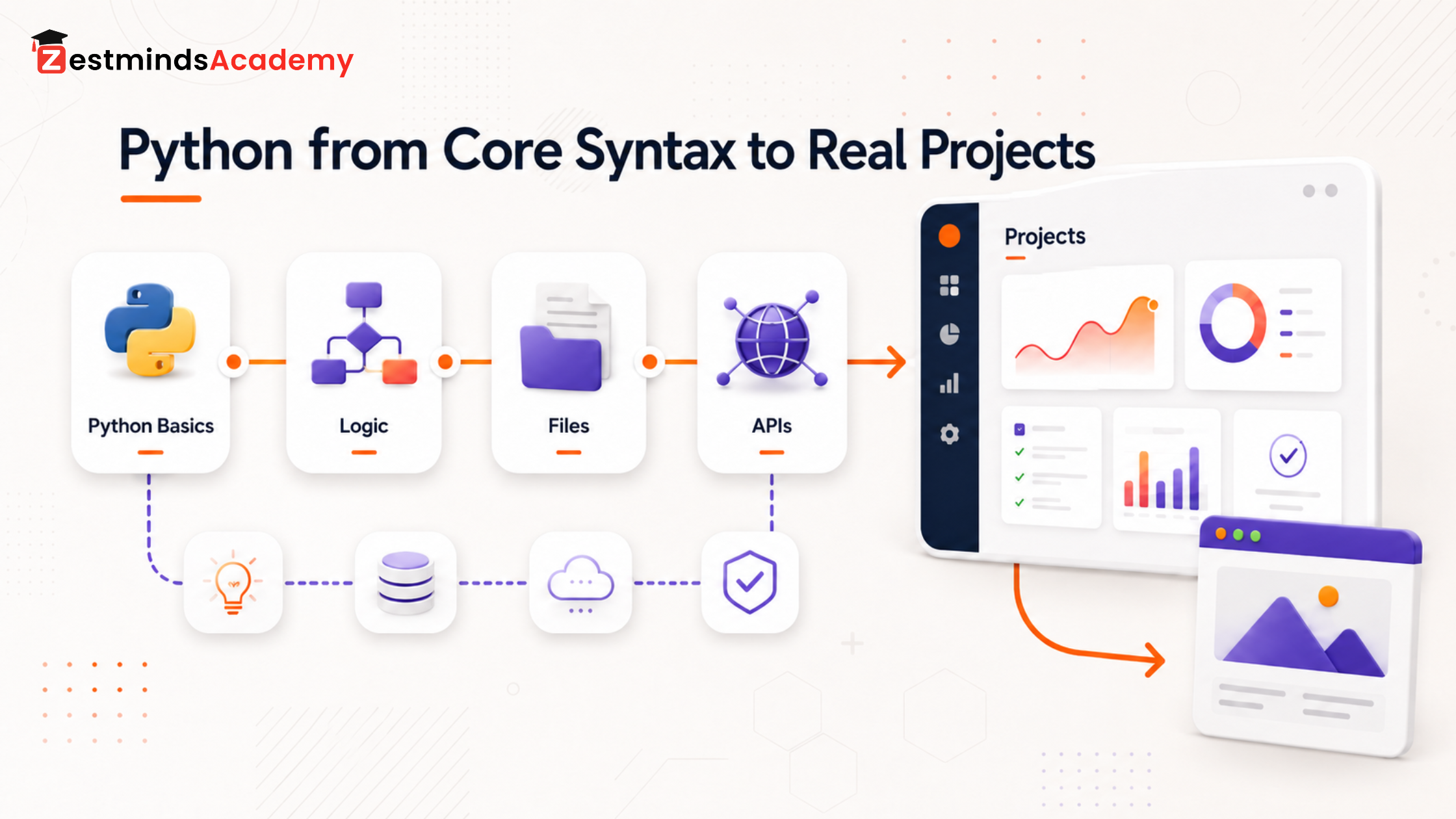
A basic application usually has this flow:
input → processing → decision-making → storage → output
Most beginners get stuck because they know individual concepts, but they do not know how to arrange them into this flow.
Syntax Learning vs Project Learning
| Syntax Learning | Project Learning |
|---|---|
| Learns individual concepts | Combines concepts into workflows |
| Focuses on small examples | Focuses on practical tasks |
| Usually has clear instructions | Requires decisions and debugging |
| Output is simple | Output solves a usable problem |
| Mistakes are easy to locate | Mistakes involve logic, structure, and flow |
| Often follows tutorials | Requires independent thinking |
When you learn a function in Python, you may write something like:
def add(a, b):
    return a + b
That is syntax learning.
In a project, you must decide:
- where this function should be used
- what data it should receive
- what it should return
- whether it should print, calculate, validate, or save something
- how other parts of the project will use its result
This is why projects feel harder than syntax practice. They require decisions.
And decision-making is a major part of becoming a developer.
How Core Python Concepts Appear in Real Projects
Python basics are not separate from real development. They are used everywhere.
| Core Python Concept | How It Appears in Real Projects |
|---|---|
| Variables | Store user input, totals, status, names, prices, settings |
| Conditions | Validate input, check pass/fail, control access, handle choices |
| Loops | Process records, files, lists, API data, repeated actions |
| Lists | Store multiple tasks, marks, expenses, products, names |
| Dictionaries | Store structured data like student details or API responses |
| Functions | Divide project logic into smaller reusable parts |
| File handling | Save reports, read CSV files, store local data |
| Error handling | Prevent crashes and handle invalid input |
| Modules | Organize code into separate files |
| OOP | Structure larger features and reusable objects |
| APIs | Connect Python with external data or services |
| Databases | Store project data permanently |
Take a simple Student Marks Manager project.
It may use:
- variables to store student name and marks
- conditions to check pass or fail
- loops to process multiple students
- lists or dictionaries to store student records
- functions to calculate percentage
- file handling to save the report
Nothing here is extremely advanced.
But the project becomes useful because these basics work together.
That is the real shift from “I know Python syntax” to “I can build something with Python.”
The Right Progression from Python Basics to Real Projects
You do not need to jump directly from Python basics to Django, AI, machine learning, or large applications.
A better progression is:
Syntax → logic programs → structured scripts → file/data tasks → API tasks → database projects → backend or AI direction
Stage 1: Logic-Based Programs
Start with small programs that build your thinking.
Examples:
- marks calculator
- number guessing game
- simple billing calculator
- password strength checker
- basic quiz program
These projects improve your comfort with conditions, loops, functions, and input/output.
At this stage, the goal is not to impress anyone. The goal is to become comfortable with logic.
Stage 2: Data-Handling Tasks
After basic logic, start working with multiple records.
Examples:
- student record manager
- contact book
- inventory list
- expense list
- book library tracker
Here, you begin using lists, dictionaries, nested data, and functions together.
This stage is important because real software usually deals with data, not just one value at a time.
Stage 3: File-Based Applications
A program feels more real when it can save and read data.
Examples:
- CSV data cleaner
- attendance file manager
- text file analyzer
- report generator
- file organizer
File handling teaches you that applications often need memory beyond one execution.
For example, an expense tracker is more useful when it can save previous expenses and load them again later.
Stage 4: API-Based Tasks
APIs help Python communicate with other systems.
Examples:
- weather API app
- currency converter
- GitHub profile fetcher
- news data fetcher
- simple chatbot API experiment
At this stage, you learn JSON, requests, response handling, and error cases.
This is useful for students who later want to move into backend development, automation, AI tools, or LLM-based applications.
Stage 5: Database-Connected Mini Applications
Once you understand files, databases are the next practical step.
Examples:
- task manager with database
- student management system
- expense tracker with database
- simple login system
- small inventory system
A database teaches you how real applications store, update, search, and manage records properly.
Stage 6: Backend, Automation, Data, or AI Direction
After this, you can choose a direction.
| Direction | Python Foundation Needed |
|---|---|
| Backend Development | Functions, modules, APIs, databases |
| Automation | Files, loops, error handling, scheduling |
| Data Analytics | Files, CSV, lists, dictionaries, data libraries |
| AI/LLM Apps | APIs, JSON, backend basics, data handling |
| Machine Learning | Python, data processing, libraries, model basics |
You do not need to master everything before choosing a path. But you should be comfortable building and debugging small Python projects first.
What Beginners Should Build First After Learning Python Basics
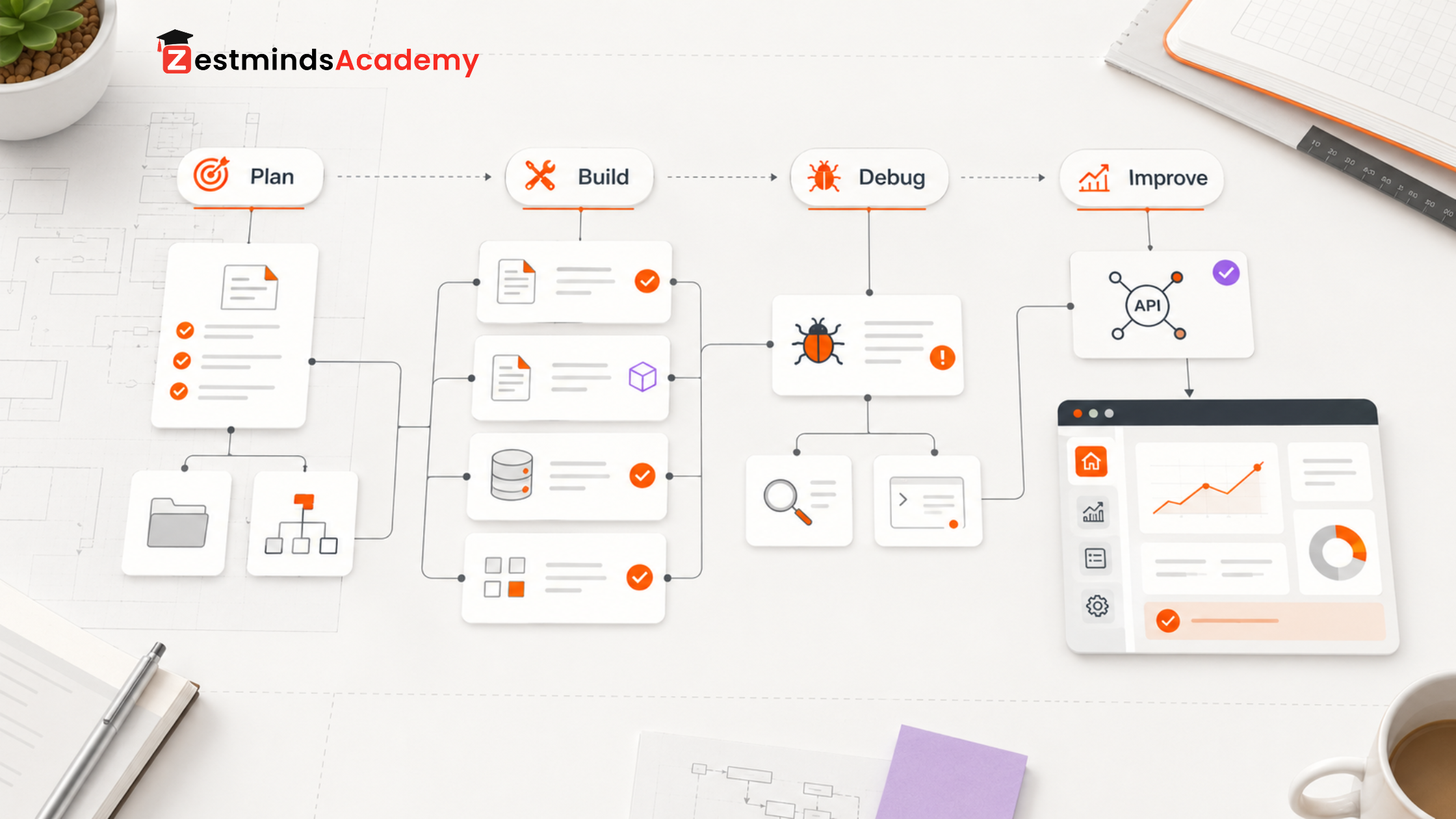
A good beginner project should be simple, but it should still make you think.
Avoid starting with a very large project just because it looks impressive. Start with something small that forces you to understand flow.
If your first project looks simple, that is fine. A small project that you understand fully is better than a large copied project that you cannot explain.
| Project | What It Teaches |
|---|---|
| Expense Tracker | Lists, dictionaries, calculations, file saving |
| Student Marks Manager | Conditions, loops, functions, records |
| File Organizer | File handling, paths, automation thinking |
| Quiz App | Conditions, score tracking, loops |
| CSV Data Cleaner | File reading, data cleaning, practical logic |
| Weather API App | APIs, JSON, external data |
| Task Manager | CRUD logic, structure, database basics |
Before building any project, ask:
- What problem does this project solve?
- What input does it need?
- What processing will happen?
- What output should it produce?
- Should data be saved?
- What errors can happen?
- How can I improve it later?
This thinking is more valuable than simply copying source code.
A beginner project does not need to look impressive. It should help the student understand input, logic, storage, errors, and output clearly.
Why Copying Python Projects Is Not Enough
Many students search for “Python projects with source code” or “Python projects GitHub” and copy an existing project.
There is nothing wrong with reading source code. Developers also learn by reading other developers’ code.
But copying alone does not build skill.
You are learning properly only when you can:
- explain every function in the project
- change one feature without breaking everything
- debug common errors
- separate logic into smaller parts
- add a small improvement
- rebuild the same project without watching the full tutorial again
A copied project becomes useful when you modify it.
For example, if you copy an expense tracker, try adding:
- category-wise expenses
- monthly total
- file saving
- CSV export
- simple search
- error handling for invalid amounts
This is where real learning starts.
Practical Skills That Make Python Projects Better
Project-building is not only about writing code that runs. It is also about writing code that you can understand, fix, and improve.
Debugging Is a Core Skill
Beginners often feel scared when they see errors.
But errors are not failure. Errors are feedback.
A developer learns to read:
- what error happened
- where it happened
- why it happened
- what data caused it
- how to prevent it next time
If you avoid debugging, your project confidence will stay weak.
Structure Matters as Projects Grow
A small program can stay in one file.
But as the project grows, you should learn to separate code into:
- main file
- helper functions
- configuration
- database logic
- API logic
- utility modules
This makes your code cleaner and easier to maintain.
GitHub Helps You Track Learning
GitHub is not only for showing projects to others. It also helps you track your own progress.
When you build projects, save different versions. Add small improvements. Keep your code organized.
Students can use the official Python tutorial as a reference for language basics, and GitHub Docs can help when they start saving and tracking their project work. But both should support hands-on practice, not replace it.
When Should You Move to Flask, Django, FastAPI, Data Science, or AI?
Do not rush into frameworks just because everyone is talking about them.
Flask, Django, FastAPI, data science, machine learning, and AI are useful directions. But they become easier when your Python foundation is practical.
Move to these when you can:
- write functions confidently
- use lists and dictionaries properly
- handle files
- understand errors
- organize code
- work with basic APIs
- explain your project flow
If you want backend development, start learning APIs, databases, Flask, FastAPI, or Django.
If you want data analytics, focus on CSV files, data cleaning, Pandas, and reporting.
If you want AI or LLM app development, become comfortable with APIs, JSON, backend logic, and data handling.
The correct path is not the same for every student. But the foundation is similar: practical Python confidence.
A Practical Training Institute Observation
From a training perspective, the biggest gap we see in students is not lack of intelligence.
The gap is lack of guided practice.
Many students have watched tutorials, completed basic syntax, and solved small examples. But when they are asked to build something from scratch, they do not know how to start.
In classroom practice, we often see students who can write loops and functions separately, but they struggle when the same concepts need to work together inside one small application. That is the exact gap practical assignments should solve.
Many students do not get stuck because they cannot understand Python. They get stuck because nobody has shown them how to convert a small problem into code structure.
For parents, the important sign of good Python learning is not only whether the student completes topics, but whether they can explain and build small applications independently.
This is why practical assignments, debugging sessions, code reviews, and project-style exposure matter.
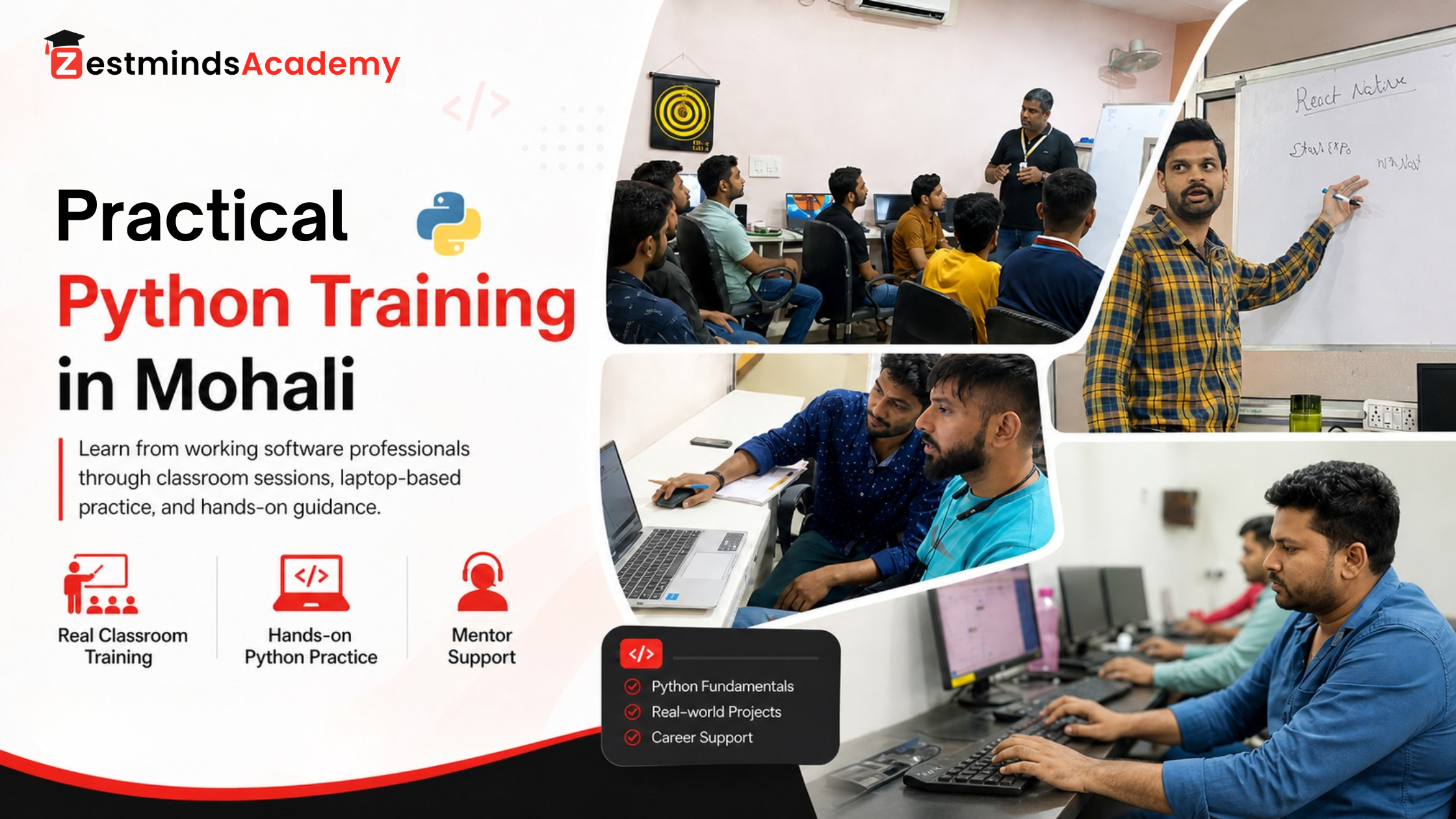
At Zestminds Academy, the Python learning approach is focused on helping students connect basics with practical coding tasks, not just completing theory topics.
For students from Mohali, Chandigarh, Kharar, Zirakpur, and Panchkula, offline practical Python training can be helpful when self-learning feels scattered or unclear.
If you already know Python basics but struggle to build projects confidently, our Python Training in Mohali can help you practice with guided coding tasks, debugging support, and project-style assignments.
Final Thought: Syntax Starts the Journey, Projects Build Confidence
Python syntax is important. Without it, you cannot write code properly.
But syntax is only the start.
Real confidence comes when you use syntax to build something useful.
Start with small projects. Debug them. Break them. Improve them. Add new features. Rebuild them in your own way.
A Python project is not difficult only because it uses advanced syntax. It becomes difficult when the learner does not know how to divide the problem into small, testable parts.
Once you learn that skill, Python starts feeling less like a subject and more like a tool for building real solutions.
Related Reading
FAQs
Is core Python enough to build projects?
Yes, core Python is enough to start small projects. You can build logic-based programs, file-based tools, basic automation scripts, and simple data-handling applications. Larger projects may require APIs, databases, frameworks, or libraries.
What should I learn after Python basics?
After basics, focus on functions, file handling, error handling, modules, simple APIs, Git basics, and small projects. Then choose a direction like backend development, data analytics, automation, AI, or machine learning.
How do I move from Python basics to real projects?
Start with small logic-based programs, then move to file handling, data processing, APIs, and database-connected mini applications. Do not wait to learn every advanced topic before starting projects.
Which Python project should a beginner build first?
Start with a simple project like an expense tracker, student marks manager, quiz app, file organizer, or task manager. Choose a project where you can understand the full flow from input to output.
Should I learn Django or Flask immediately after Python basics?
Not immediately for everyone. First become comfortable with functions, modules, files, error handling, APIs, and basic project structure. After that, Flask, FastAPI, or Django will make more sense.
Why do I forget Python when I start a project?
This usually happens because project-building requires multiple concepts at the same time. You are not only remembering syntax; you are making decisions about logic, data flow, structure, and errors.
Are Python projects with source code useful for learning?
Yes, but only if you read, modify, debug, and rebuild them. Copying source code without understanding the logic does not create real project confidence.
Is Python enough to get a job?
Python is a strong foundation, but job readiness usually needs more than syntax. You need practical projects, debugging ability, Git basics, database understanding, APIs, and domain-specific skills depending on your career path.
How can students practice Python like developers?
Build small projects, modify them, debug errors, organize code into functions and modules, use GitHub, and explain your logic clearly. Do not only copy projects. Try to improve them step by step.
Can non-technical students learn Python projects?
Yes. Non-technical students can learn Python projects if they follow a structured path. They should start with logic, simple programs, file handling, and guided practice before moving into frameworks, data science, or AI.
Table of Contents
- Why Learning Python Syntax Is Only the First Step
- Syntax Learning vs Project Learning
- How Core Python Concepts Appear in Real Projects
- The Right Progression from Python Basics to Real Projects
- What Beginners Should Build First After Learning Python Basics
- Why Copying Python Projects Is Not Enough
- Practical Skills That Make Python Projects Better
- When Should You Move to Flask, Django, FastAPI, Data Science, or AI?
- A Practical Training Institute Observation
- FAQs
Pardeep Kumar
Stay Ahead with Expert Insights & Trends
Explore industry trends, expert analysis, and actionable strategies to drive success in AI, software development, and digital transformation.
Begin Your Journey to a Successful Tech Career
Talk to our mentors and choose the right training program.
Call us: +91-9056277961
Email us: hello@zestmindsacademy.com